Several branches Available now
Every branch, one login.
Look at one branch or all of them together from the same account. Staff see only the branch they work at, and each branch keeps its own stock.
The problem
With every new outlet, the picture gets harder to see.
Separate systems per outlet mean separate logins, numbers that do not add up, and staff who can see more than they should.
What you get
How SYQAVO handles it
- One branch or all of them. A switch at the top of every owner screen: "All branches" or a single one.
- Staff see their own branch. A manager or cashier can be limited to one branch; the database itself keeps other branches out of their view.
- Stock per branch. Each branch has its own stock and its own record of deliveries, waste and counts.
- Branches set by your plan. Your plan sets how many branches you run; adding one is a plan change, not a new system.
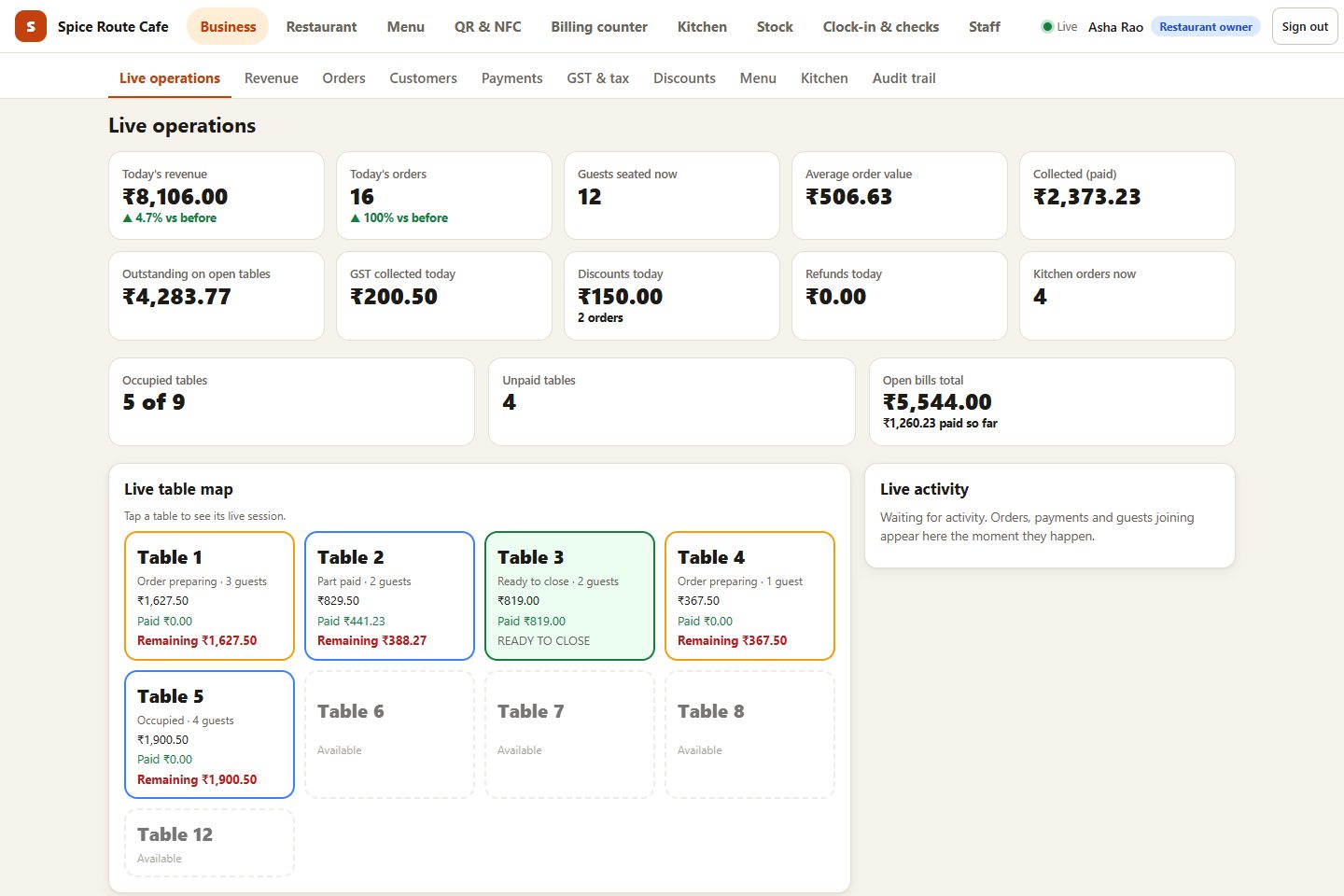
- One set of owner reports. Sales, best sellers and busy hours for the whole business or a single branch.
Questions
Do all branches share one menu?
Yes. Today there is one menu for the whole restaurant: the same dishes and prices at every branch, and marking a dish sold out applies everywhere. If your branches need different menus or prices, tell us and we will say honestly what that would take.
Can I add a branch later?
Yes, within your plan's branch limit. A bigger plan raises the limit; every feature is in every plan.
See it running in your own restaurant.
A 30-minute walkthrough on your menu and your floor plan. No commitment.